The complete guide to parental control on children's phones
Published 14 October 2026 - last updated 15 October 2026
Parental control that works rests on three things: protection your child cannot remove from the phone, clear rules they understand and help shape, and calm follow-up from the parents. This guide walks you through every step, from setting up the phone, to choosing the allowed apps, to closing the loopholes children use to get around controls.
Your child's phone is not an innocent toy. It is a door open to the whole world, with its pornography, its strangers, and its games designed to hold attention for hours. The question is no longer whether to set up controls, but how to set up controls that actually work.
The numbers say the risk starts early. In Common Sense Media's 2023 survey of more than 1,300 US teens aged 13 to 17, 73% said they had seen pornography online, the average age of first exposure was 12, and 15% first saw it at age 10 or younger. 29% said they came across it by accident, without looking for it.
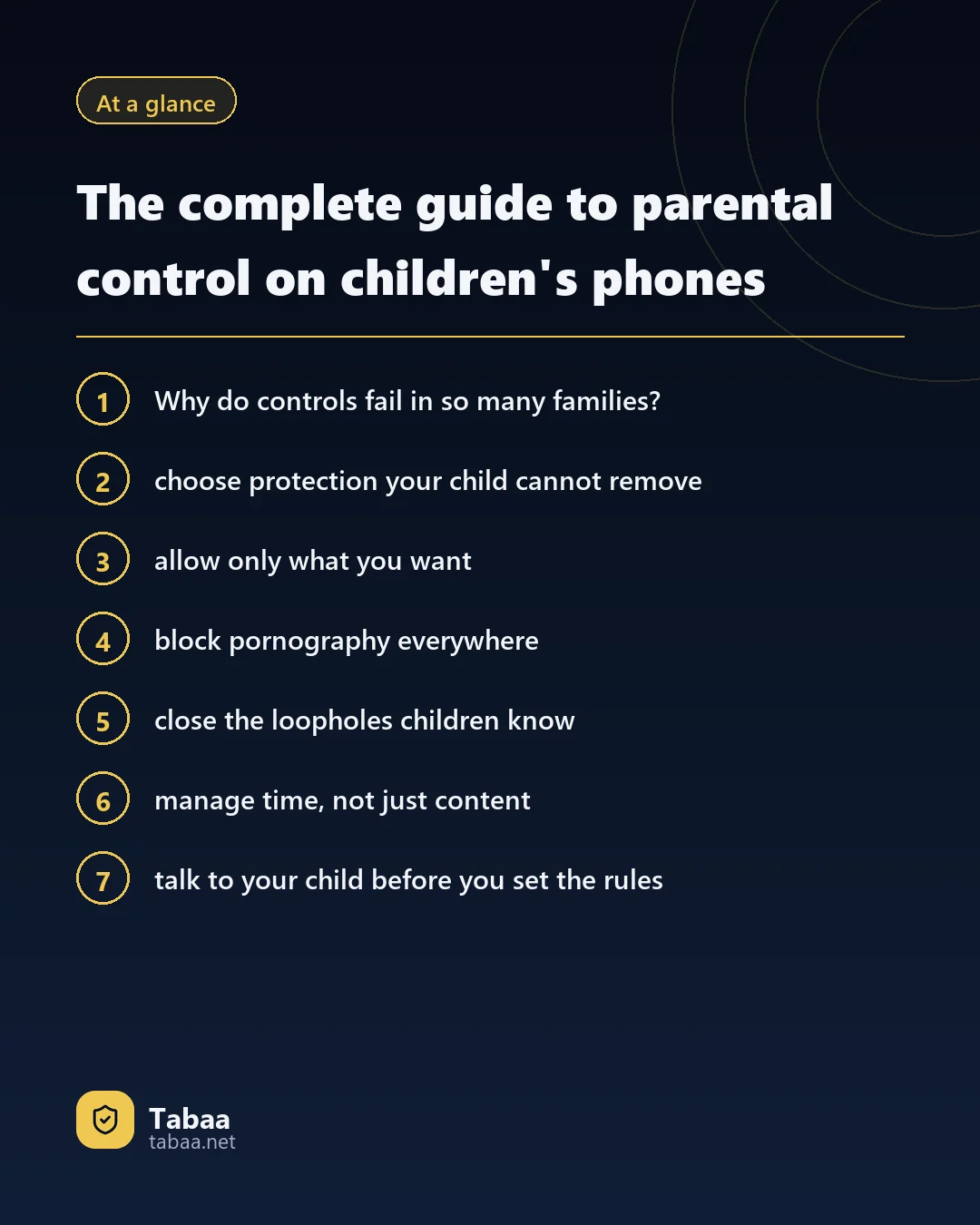
Why do controls fail in so many families?
Most parents start with enthusiasm, then discover a few weeks later that the child found a way round. The reason is usually one of these:
- Protection on the router only: it works at home and disappears the moment the phone switches to mobile data.
- An app the child can delete: or stop from Settings, or wipe with a factory reset.
- Loopholes parents do not know about: second space, cloned apps and VPN apps.
- Rules without conversation: so the child feels punished and looks for a way out.
Step 1: choose protection your child cannot remove
This is the most important step in the whole guide. Any protection a child can delete will be deleted one day. So choose protection that runs with Device Owner rights, Android's highest administrative privilege.
Tabaa Children runs with that privilege, so the operating system itself does the refusing:
- The app cannot be deleted, stopped or have its data cleared from the phone.
- Factory reset from Settings is locked, and you control the lock.
- Protection keeps working after a reboot and with no internet.
- It installs from a computer over the charging cable, erasing nothing on the phone.
Step 2: allow only what you want
There are two ways to control a phone: block the harmful apps you know about, or allow only what you have approved. The second is far stronger for children, because a new app you have never heard of appears every day.
On Tabaa Children only what you allow from the supervisor app opens: WhatsApp, school apps, games you pick. Any new app needs your approval first.
Step 3: block pornography everywhere
Pornography does not only arrive through the browser. It comes through a small browser inside a game, a link in a WhatsApp group, image search results. So filtering has to work across the whole system.
With Tabaa, pornography is always blocked and SafeSearch is on from the start, in every app, on Wi-Fi and mobile data alike. On top of that you can block any site, or import ready-made lists from the ready-made files page.
Step 4: close the loopholes children know
Children swap bypass tricks at school and on YouTube. These are the best known, and Tabaa locks all of them:
- Second space: an extra user on the phone with no controls.
- Cloned apps and the private space: hidden copies of apps.
- VPNs and proxies: to get past the filter.
- Changing the clock: to skip time limits.
- Factory reset: to wipe the controls entirely.
Step 5: manage time, not just content
The danger is not only harmful content but long hours too. The World Health Organization's 2019 guidelines say infants under one should have no screen time at all, and children aged two to four no more than one hour a day, with less being better. For older children, set up:
- Sleep mode: a daily window in which only what you allow opens.
- Study mode: time for school work with no games and no social apps.
- Daily limits for each app, such as an hour for games.
Step 6: talk to your child before you set the rules
Technical controls shut the door; conversation is what keeps your child from looking for another one. Explain why the protection is there, involve them in choosing apps, and make lifting restrictions a gradual reward for keeping the rules. Read also our guide to parental control in Egypt.
Step 7: follow up calmly
In the supervisor app you see each device's usage day by day, the installed apps and the phone's location, and you can lock it at once or send a message to its screen. Make reading the reports a calm weekly session with your child: the goal is to shape behaviour, not to catch mistakes.
Start today
Every day without protection is a day your child is exposed to what you do not want. Start from the Tabaa Children page; prices are on the pricing page, and support answers any question on WhatsApp.
Sources
Read next
Common questions
- Is parental control spying on my child?
- Not when it is open and its purpose is protection. The difference is that your child knows the rules, and the parents do not read private conversations; they control what reaches the child and when.
- At what age should I start?
- From the first day your child has a phone. Setting up protection before handing the phone over is far easier than imposing it after habits have formed.
- My child is good with technology. Will they get around it?
- Ordinary controls are easy to get around through a second space, a VPN or a factory reset. That is why you need protection that works from inside the system and locks all of those doors.
- Will school apps be affected?
- No. You choose the allowed apps, so school apps and WhatsApp work as you want, at the times you set.