Install Tabaa Children
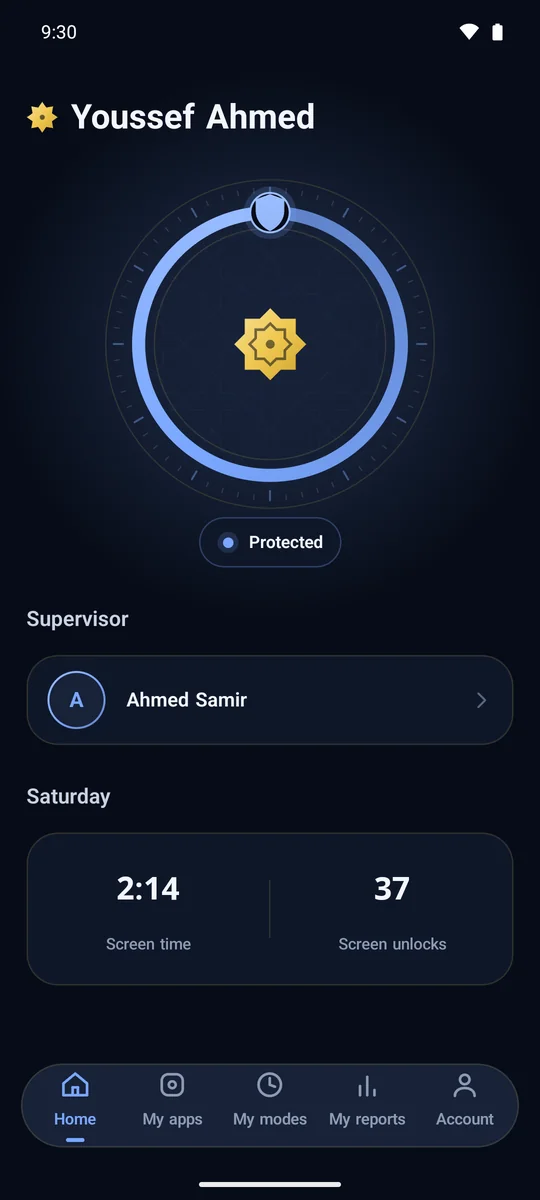
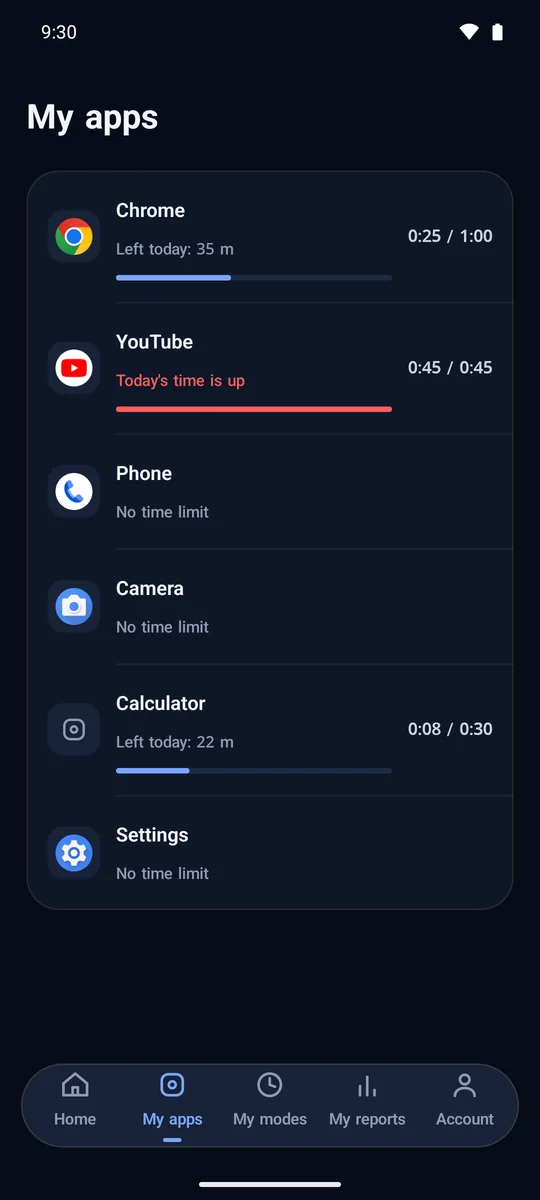
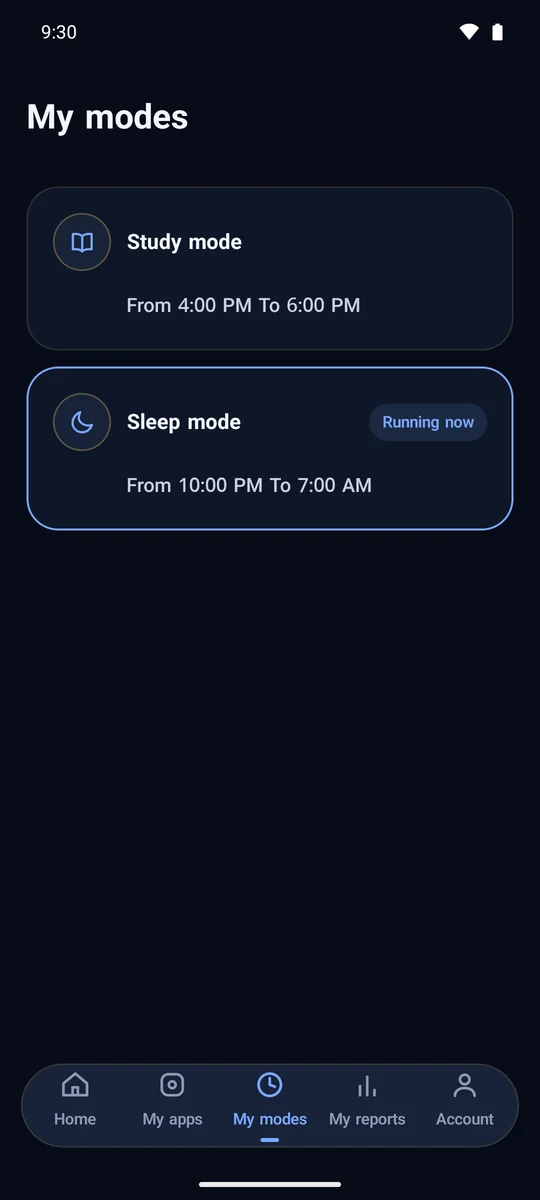
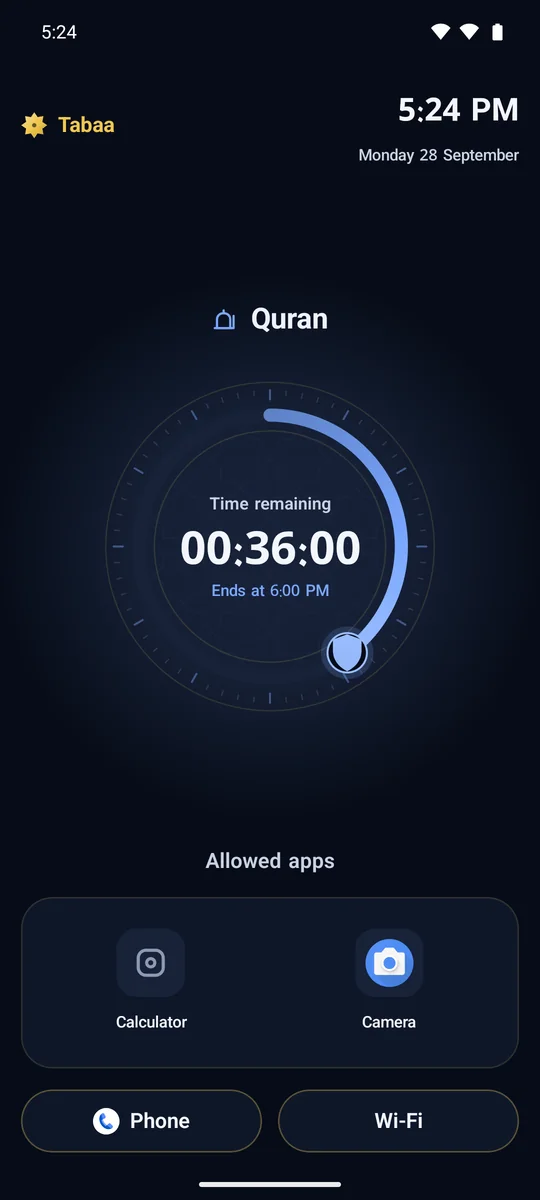
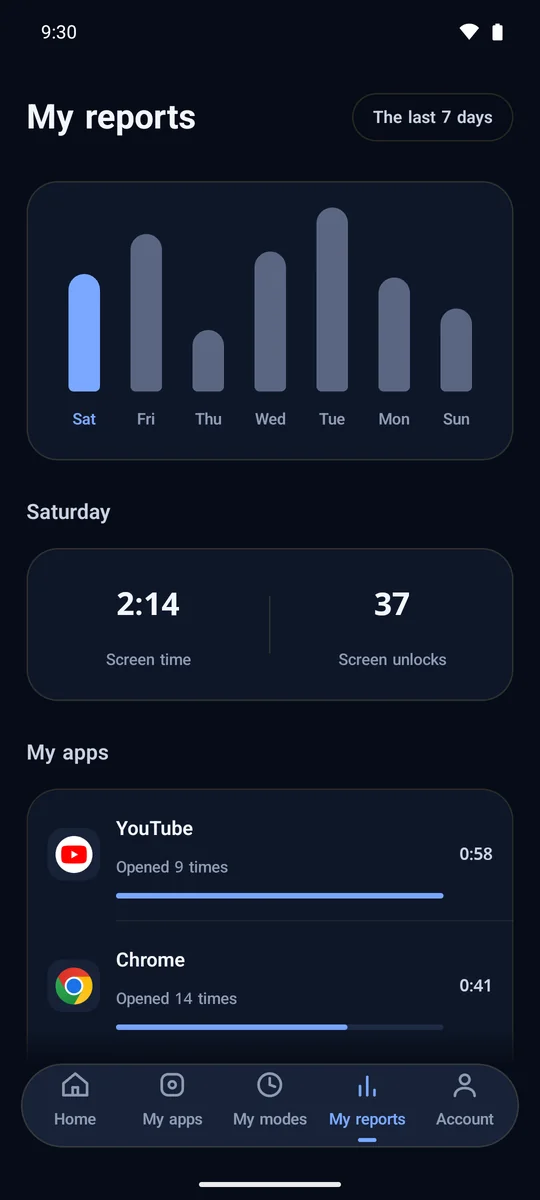
Normal install, no computer
- 1
Download the Tabaa Children app onto the phone and tap the file to install it.
- 2
Open the app, it walks you through the rest step by step.
- 3
Enable Developer options: Settings, then About phone, then tap Build number seven times.
- 4
In Developer options, turn on Wireless debugging.
- 5
Back in the app, tap Start pairing, then type the pairing code into the notification.
- 6
If any spaces or accounts block the setup, follow the app to remove them, it finishes on its own.
Warning: removing accounts signs you out of them, so make sure you remember their passwords first.

Installation steps
- 1
Enable Developer options on the phone: Settings > About phone > tap Build number seven times.
- 2
Open Developer options and turn on USB debugging.
- 3
Connect the phone to the computer with the cable and accept the permission prompt on the phone's screen.
- 4
In the tool choose Tabaa Children, press Start, then Install - the rest is automatic.
- 5
When the tool asks, remove every signed-in account on the phone: Settings > Accounts.
- 6
On the green success mark, open the Tabaa Children app on the phone and register your name, email and phone number.
Xiaomi, Redmi and POCO phones: before pressing Install, turn on "USB debugging (Security settings)" in Developer options. It needs a SIM card in the phone, and the phone asks to confirm three times.
OPPO phones: they do not accept installation by cable. Install by QR code after a factory reset, as shown on this page.
Warning: before removing the accounts, make sure you remember their passwords - you will sign back in to them once the install is done.


Install by QR on a new phone
- 1
Factory reset the phone, or start with a new one.
- 2
On the very first welcome screen, tap the same spot six times.
- 3
Scan the QR code with the phone's camera.
- 4
Connect Wi-Fi or mobile data and wait for the install to finish.
- 5
Open the Tabaa Children app on the phone and register your name, email and phone number.
Warning: a factory reset erases everything on the phone - back up your photos and files first.
