Skip to content
Tabaa

I am an adult and I want to block pornography for myself - how?

Published 27 August 2026 - last updated 27 August 2026

Tabaa fixes the part that actually fails: the key being in your own hand. Protection is provisioned with Device Owner rights, so blocking becomes a policy the operating system itself enforces, and changing it moves to a supervisor you pick - a friend you trust, or the Tabaa team. And because Tabaa never asks for the Accessibility permission and runs no VPN on the phone, your banking and work apps carry on as normal.

Why do the solutions you install yourself keep failing?

Any blocker you can delete is a blocker you will delete, sooner or later. That is not a flaw in your character, it is a flaw in the design: you set the protection up on one of your best days and then run into it on one of your worst. So it ends the way it always ends - the app comes off, or the filtering goes quiet, or a second browser appears - and a few days later you start the whole thing again.

And this is not our reading of these tools. It is what they publish about themselves. BlockerX's own FAQ page walks through turning off the device administrator permission and then deleting the app, and its store description says that deleting it sends a notification to your accountability partner. Which means the strongest thing it holds is a message after the fact, not a way to stop it happening.

The answer is not a tougher app. It is a different arrangement: the key leaves your hand. That is precisely what Tabaa does.

How Tabaa works for an adult

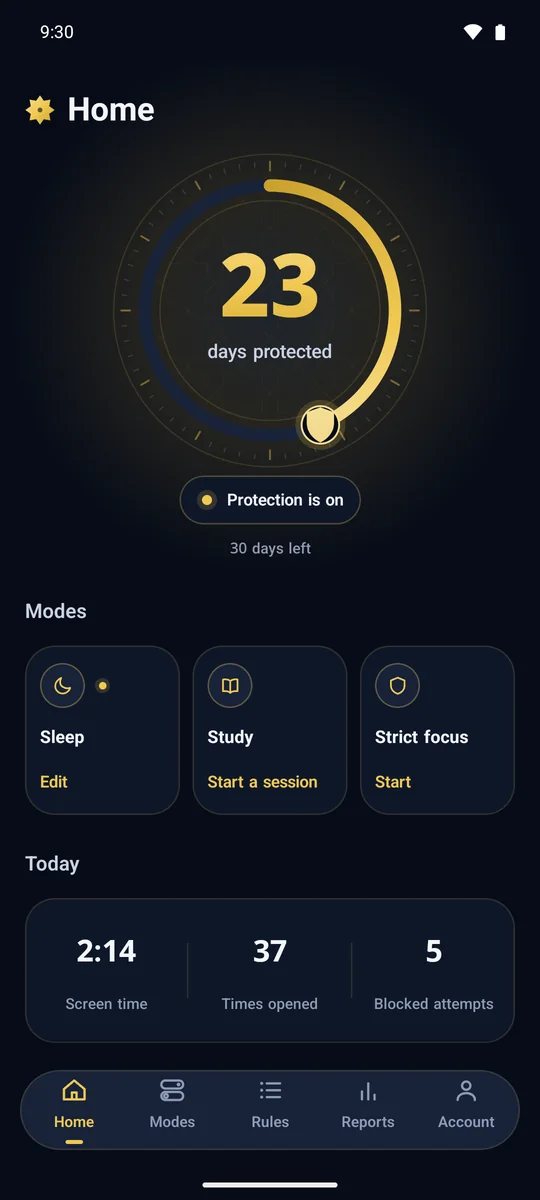
  • Protection is provisioned with Device Owner rights, from a QR code on the install page. Blocking then becomes a policy the operating system enforces itself: an app that is not permitted is suspended at system level, rather than shut by some other app watching your screen.
  • You choose a supervisor. A friend or relative you trust opens a supervisor account for free, or you ask for the Tabaa team to hold the role instead.
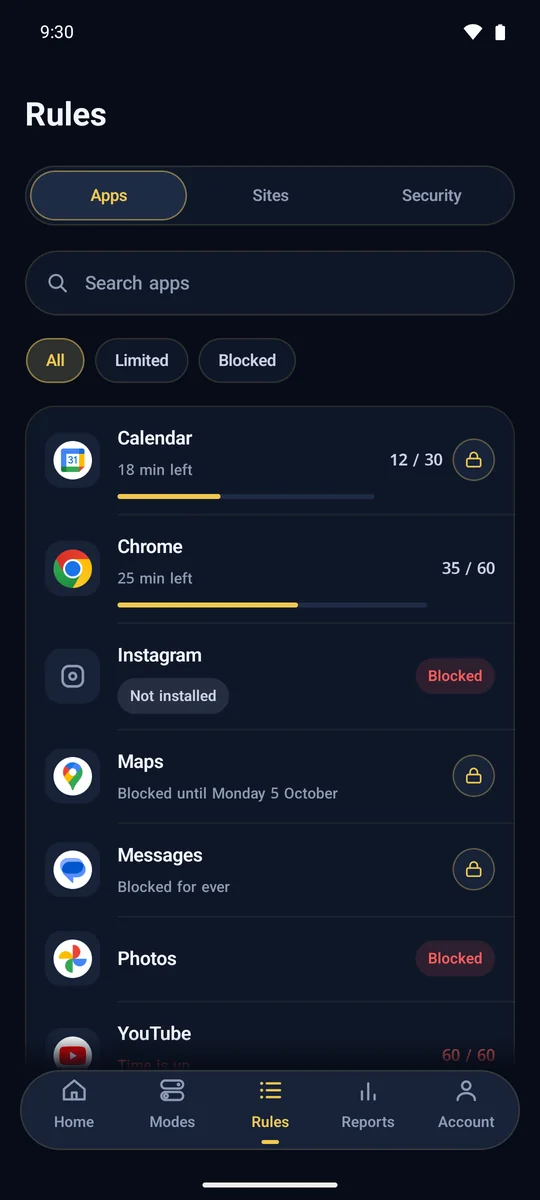
  • Your supervisor sets the rules and the modes from the supervisor app, and can grant a temporary exception when the need is real.
  • Enforcement is fast enough to be real, not theatre: a blocked app closes within about a third of a second, and any change your supervisor makes reaches the phone in roughly three seconds, or instantly when the push message arrives from the server.
  • Protection does not wait on a connection. The rules live on the device, so they carry on while you are offline, they come back after a restart, and they come back if the system kills the app, because an exact alarm and a background task bring it straight back.
  • Removing it takes a factory reset whose key is in your supervisor's hand rather than yours. Recovery-mode restore was left available on purpose, so nobody ends up permanently locked out of their own phone.

Your dignity is not the price of protection

An adult asking for protection from himself should not have to pay for it by being watched at everything he writes and reads. So Tabaa was built on a clear rule: blocking is a system policy, not an app reading your screen.

  • There is no accessibility service in the app, no notification-listener service, and no VPN service. Nothing on your device reads your conversations or sits in the middle of your connection.
  • Tabaa does not ask for your camera, your microphone, your messages, your contacts, your photos or your files.
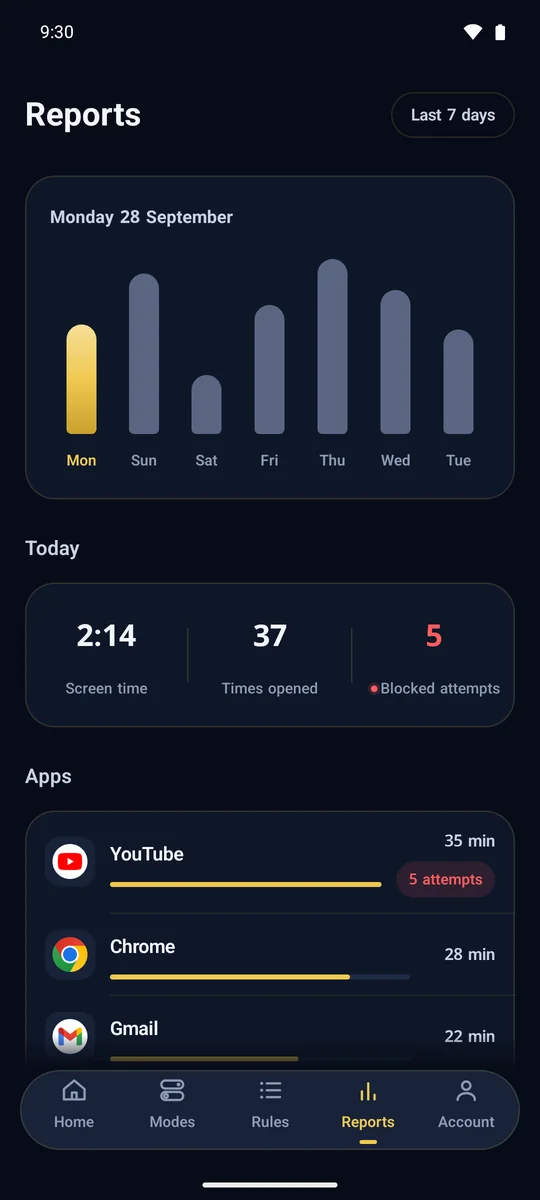
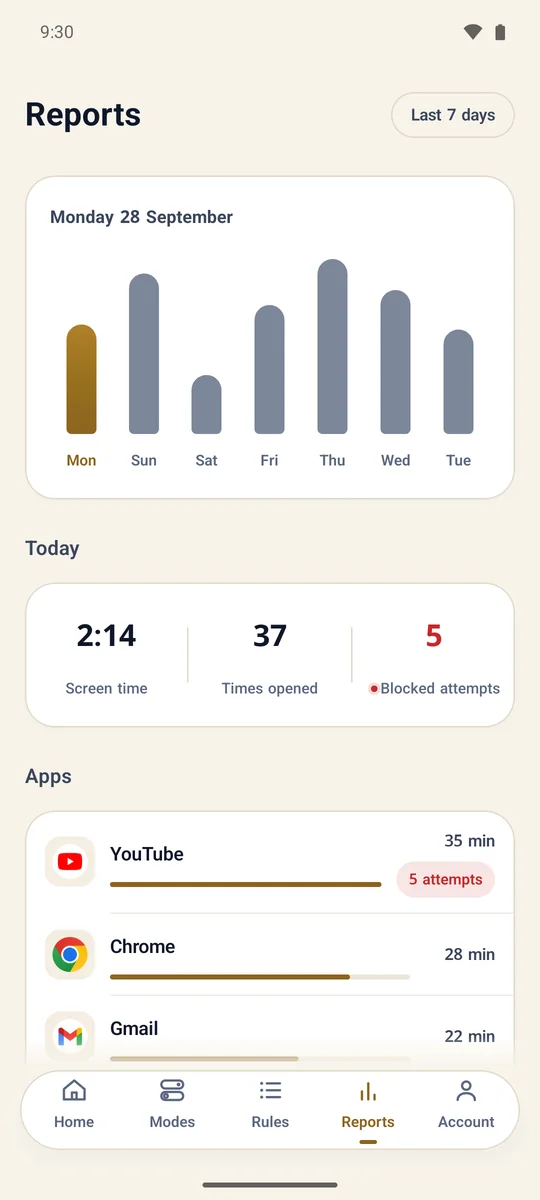
  • What your supervisor sees is narrow and stated plainly: which apps you used and for how long, week by week, and the list of apps installed. No message content. No screenshots.
  • And instead of a "no scary permissions" slogan, here is the whole picture: Device Owner is the highest administrative privilege Android grants an app, and the Usage Access permission needs your own hand to grant it. The difference is that what we do take is declared and limited to one purpose, and what we do not take, we do not take at all.
  • If your subscription ends, your phone is not punished for it. Nothing is unlinked, nothing is locked, nothing is wiped. The device drops to a read-only default state with the core locks in place, and pornography filtering keeps running.

Your bank and your everyday apps carry on unchanged

Most blocking apps on Android work through the Accessibility permission: the one that reads everything on your screen and acts on it. It is also the permission that account-stealing malware abuses, which is why some banking and payment apps limit what they will do when they find an app holding it on the phone. In Egypt, the published release notes for the InstaPay app and for the National Bank of Egypt app describe the app behaving differently on devices where "advanced system permissions" have been granted. To be fair about it: this is not a blanket rule across every bank - the Banque Misr app, for one, carries no such note.

Tabaa does not need that permission at all, and it runs no VPN sitting across your connection. Content filtering happens on a completely different level: the phone's Private DNS is pinned to Tabaa's resolver over DNS-over-TLS in the system settings, and then the setting is locked so it cannot be edited. Every query on the device goes through it - the browser, the browser embedded inside another app, the web page that opens inside a game or a chat app, and apps working in the background. No app has to "integrate" with Tabaa to be filtered.

  • The filtering is independent of the modes, and underneath it sits a floor of 118 domains that no supervisor can lift.
  • Under that, a second layer: 47 VPN, proxy, Tor and DNS-changer apps blocked in every mode and suspended even when they shipped with the phone, with the VPN setting itself locked as well.
  • The blocking is bound to the device, not to an account, a network or a SIM: Wi-Fi and mobile data alike, and with any number of Google accounts, because Tabaa never touches your accounts in the first place. Adding a second user, a work profile, cloned apps and the private space in Android 15 are all locked by default, and the second space on Xiaomi phones is an extra Android user, which the add-user lock covers.
  • And honestly: this filtering needs Android 9 or newer, because older versions have no Private DNS setting to pin. We are not going to tell you that getting around it is "impossible" either - an app carrying its own encrypted DNS resolver inside it may route around the path, which is exactly why the list of 47 apps and the VPN lock sit underneath.

The practical upshot for someone who works from his phone: protection at system level, without putting anything on the device that your banking app takes issue with. For the detail, read why blocking DNS and VPNs is not enough.

The four modes: decide the shape of your day while you are calm

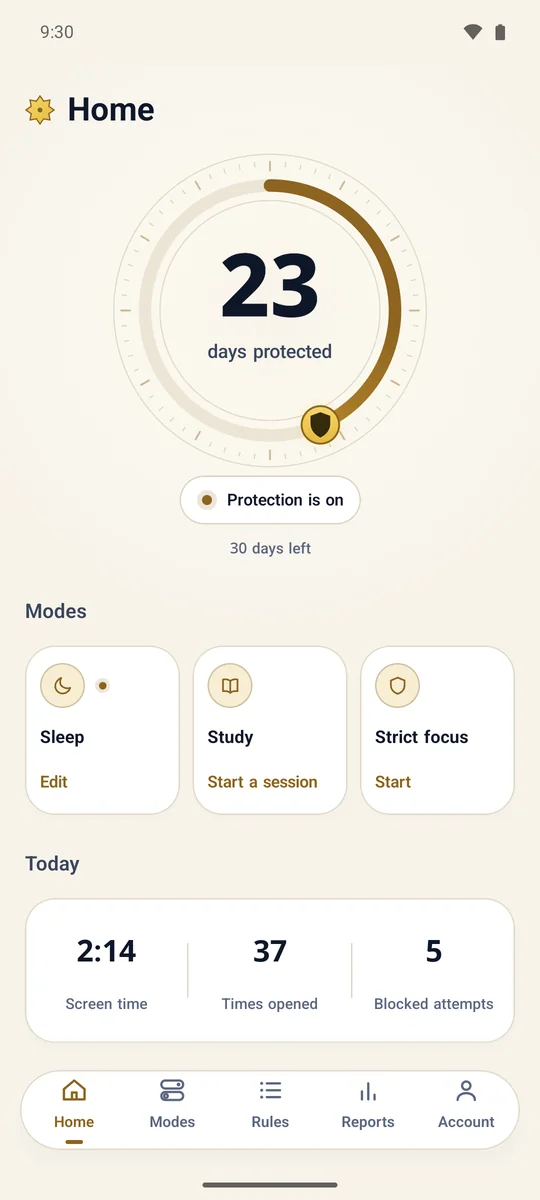
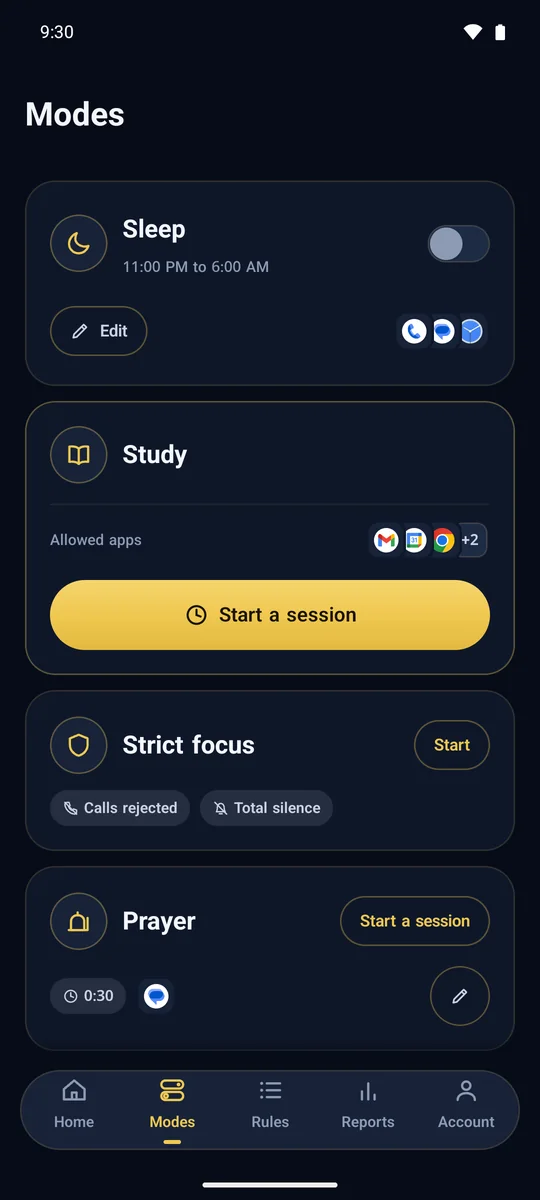
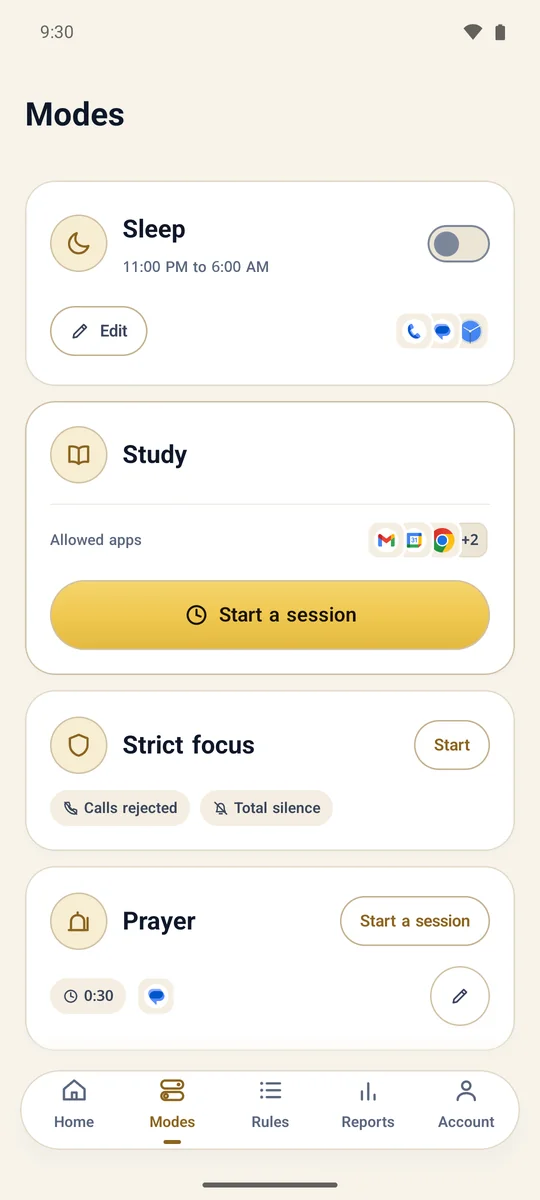
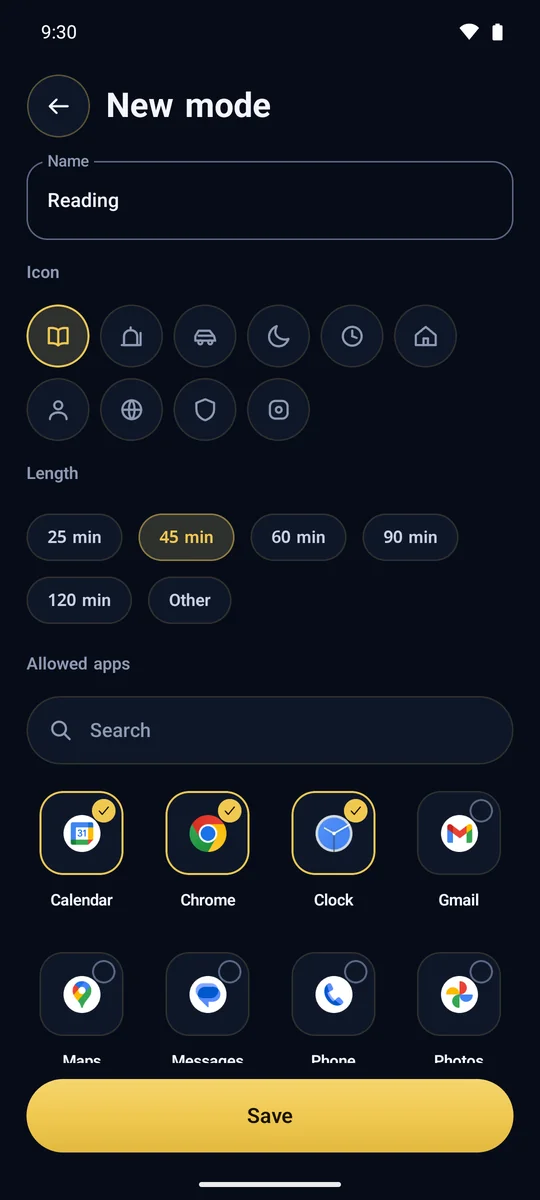
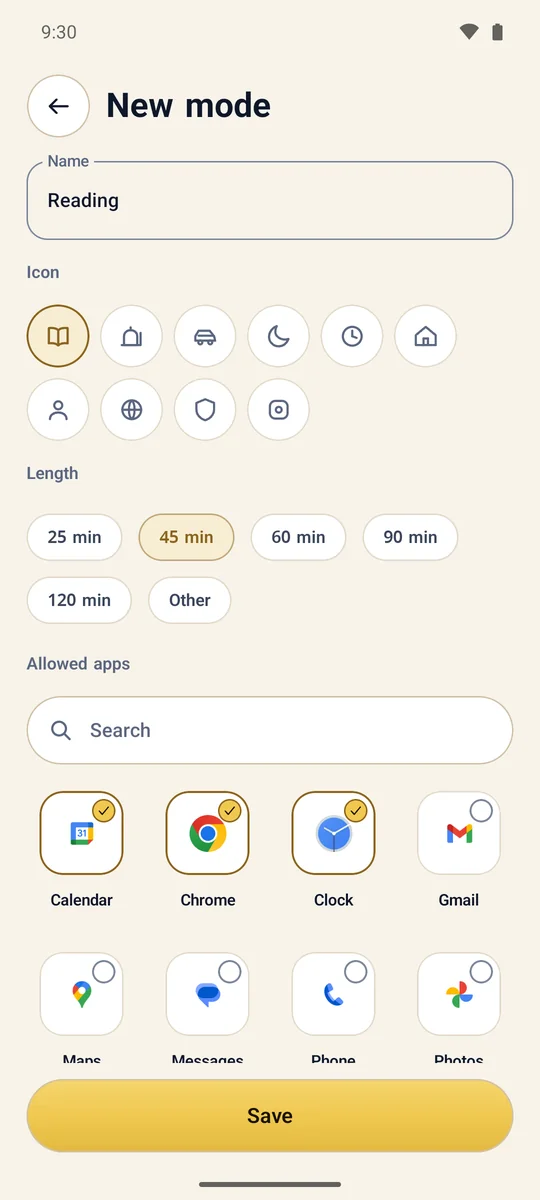
The phone has four modes in a fixed order of priority: Strict focus, then Sleep, then Study, then Normal. Where two overlap, the stronger one applies. For an adult the idea is simple: you settle the shape of your day with your supervisor while your resolve is intact, and it is applied to you later without needing your agreement in the moment.

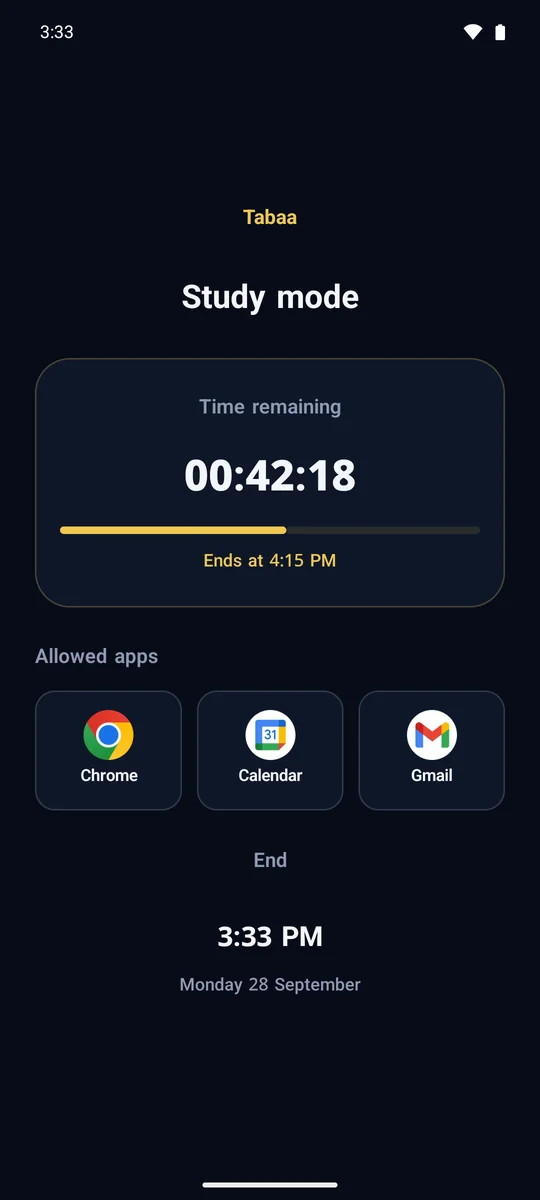
  • Sleep and Study are two daily windows, and inside each one only the apps your supervisor picked for that window will open.
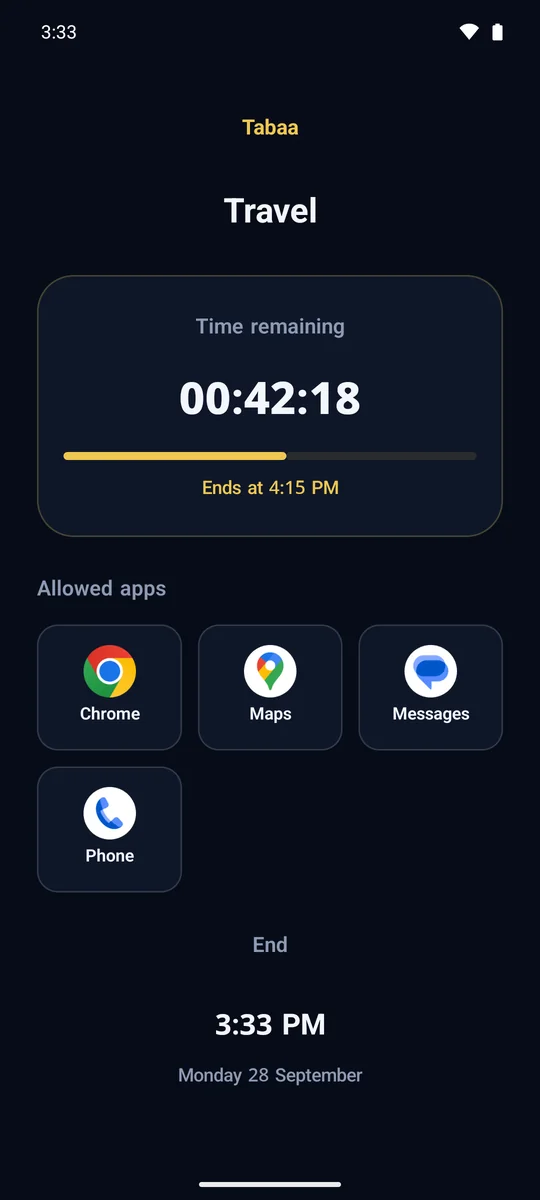
  • Strict focus is a full-screen countdown for a set length of time during which nothing opens at all, not even calls. The system itself pins the screen, the lock carries on through a restart, and it works with no internet because the end time is stored on the device.
  • The clock is not a way out: while any mode is active the device clock is pinned to network time, so winding it forward does not jump the window.

A supervisor you know, or the Tabaa team?

AspectSomeone you knowThe Tabaa team
PrivacySomeone you know reads your usage reportsNobody in your circle knows a thing
Response speedWhenever they are freeRound the clock
The human sideAccountability and support from someone who cares about youNeutral, professional handling
What they seeIdentical: the usage report and the installed apps, nothing else, and never the content of your conversations
What it costsIdentical: the device subscription itself, with no extra fee

And if the problem is on the computer?

Tabaa for Windows is not a shrunken copy of the phone app. Parts of it were designed for the adult who is supervising himself:

  • Personal plans you write for yourself: programs blocked, a daily budget of minutes for each program, and a schedule of your own. If you do have a supervisor, your plan adds on top of their rules and lifts nothing from them: the schedules combine, and the lower time cap is the one that applies.
  • You can lock your plan behind a passphrase you impose on yourself, and stronger still, your supervisor can set your plan's passphrase from their own app so you cannot undo it. The passphrase becomes a fingerprint on your machine and is never stored with us. We will be straight with you: this lock is deliberate friction that breaks the impulse, not a defence against a determined administrator.
  • Pomodoro focus sessions: during a work round the plan you chose is enforced even if it is switched off the rest of the day, and at break time a full screen covers every display. The timer runs on a trusted clock that only moves forward, referenced to the time on our server, so winding the machine's clock forward earns no minutes and winding it back does not reopen a day whose limit is spent.
  • Blocking part of a site without blocking the whole site: YouTube Shorts and Instagram Reels, for instance, and even when the player is embedded inside another page. This is something DNS filtering can never do.
  • Uninstalling needs your supervisor's password, verified against the server at the very moment of removal, and again if anyone tries to install over the locked copy. Every attempt with a wrong password is reported to your supervisor.
  • With no internet, all of it carries on: blocked programs stay blocked and the time limits keep counting. The connection is how changes get through, not a condition for the rules to work.

And the lists are ready from the first run: 44 programs blocked by default, 13 of them Android emulators, plus more than a hundred VPN and proxy extensions barred from installing in the browser. If you cannot find anyone you trust with this, you can hand supervision of the computer to the Tabaa team in a single click - and you will not be able to take it back from that machine afterwards.

What does it cost?

The phone subscription is 200 EGP a month or 2,000 EGP a year per device, Tabaa Desktop is 100 EGP a month or 1,000 EGP a year, and the two together are 300 EGP a month or 3,000 EGP a year. If you have more than one phone, the second device is 150 EGP a month and the third and beyond are 100 EGP a month. The full detail is on the pricing page, and if you get stuck at any step, support on WhatsApp at +201507966165 answers in Arabic.

Read also

Common questions

I'm an adult and want to block pornography for myself - does it work?
Yes. Turn Tabaa on for your own device and it blocks pornographic content completely at the system level. We won't tell you it's impossible to switch off - but it's no longer a passing weak moment: it takes deliberate steps that break the impulse and give you time to reconsider. You can also make us the supervisor of your device, so the decision isn't yours alone - a private, dignified alternative to letting someone you know in on it.
Can I lift the protection myself if I regret it?
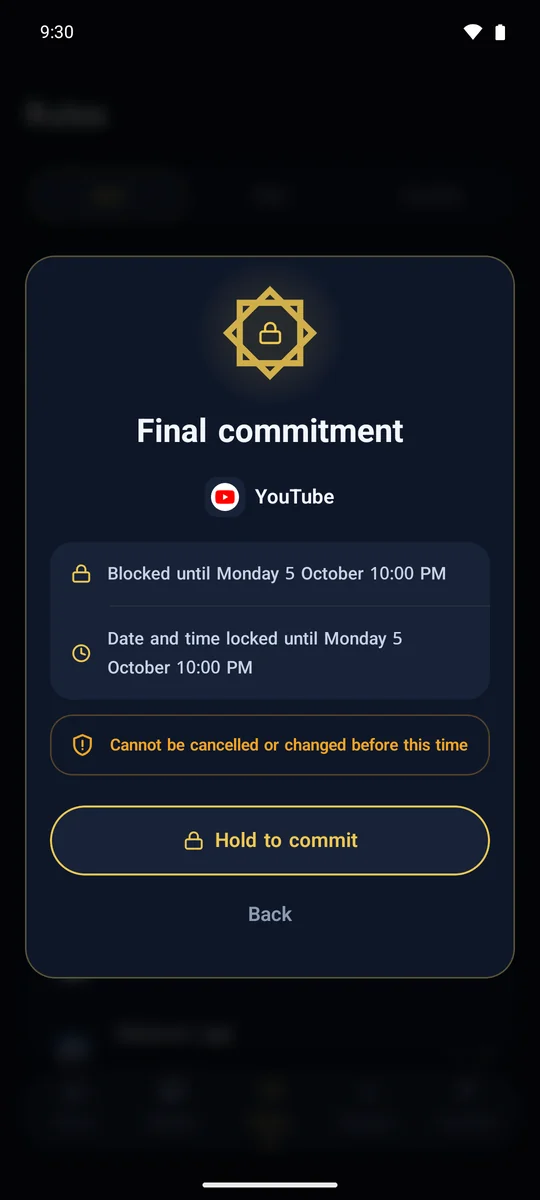
Not from the device. The operating system itself removes the "Force stop" and "Clear data" buttons from Tabaa's page in Settings, and uninstalling is unavailable to you. Removal happens only through a factory reset whose key is held by your supervisor. That is the whole idea: the decision gets made while you are at full resolve, not in a weak moment.
I do not want anyone I know to find out. What are my options?
Ask for the "make us the supervisor" service. The Tabaa team takes the supervisor role on your account, so you get the protection without anyone in your circle being told anything, and you deal with a human on WhatsApp, in Arabic.
Does my supervisor see everything I browse?
They cannot, with or without your permission. Tabaa has no accessibility service reading your screen and no notification-listener service, and it does not ask for your messages, your contacts or your photos. What reaches your supervisor is the usage report - which apps, and for how long, week by week - plus the list of installed apps, and they set the rules and the modes. The point is accountability and help, not access to what you say to people.
I use my phone for work. Will it get in my way?
No. Some banking and payment apps limit what they will do on a phone that has an app holding the Accessibility permission, and Tabaa never asks for it and runs no VPN on the phone, so there is nothing on your device for a banking app to object to. Work apps, messaging apps and banking apps keep running as normal. What gets blocked is what you and your supervisor agree on, and you can ask for a temporary exception when you genuinely need one.
And what about the computer?
Tabaa Desktop for Windows is a separate subscription built on the same logic: it blocks programs and sites, shuts down VPN and proxy software, and stops a changed clock from buying extra minutes. It adds something the phone does not have: personal plans you impose on yourself, which add restrictions on top of your supervisor's rules and lift nothing from them. And there are no licence keys anywhere: linking is by email, and a supervisor is optional.